
Mobile Pass Personalization
The content and format of the Mobile Pass that a customer can download for Apple Pay or Google Pay to identify themselves in a physical store and manage their entire portfolio of services and benefits allows for ad hoc configuration by each business.
Below are the fields that are Configurable. They are shown based on a visualization of a Mobile Pass for Google Pay. In Apple, the placement of the different elements varies slightly, but the configurable parameters are essentially the same.
Mobile Pass Customization
We use the same nomenclature as the one used to describe the Wallet customization regarding the type of field.
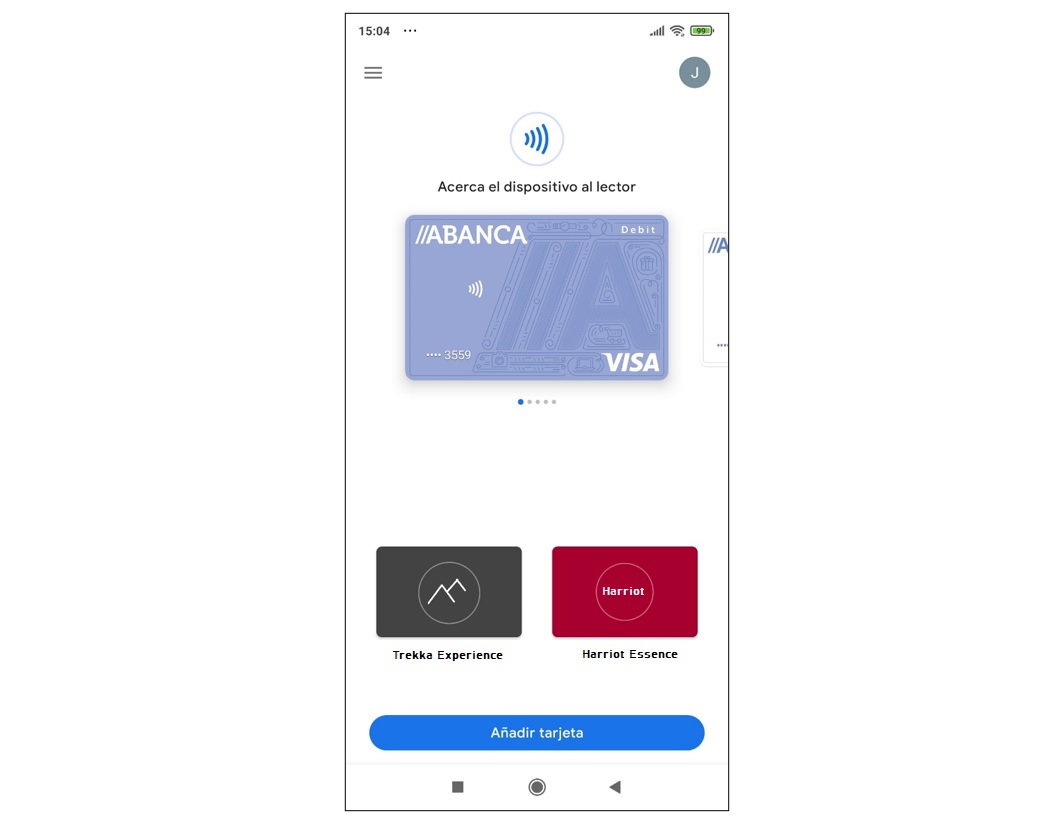
This configuration also determines how the Mobile Pass is displayed within Google Pay or Apple Pay Wallet. That is, the background color of the Pass, the logo, the brand name, and the program name.
Additionally, it can show the membership level if present, or the points of a loyalty or savings program.
In the Apple version, to access the benefits, you need to tap the “!” icon, which displays a link where you can access your exclusive benefits without the need to download the app.
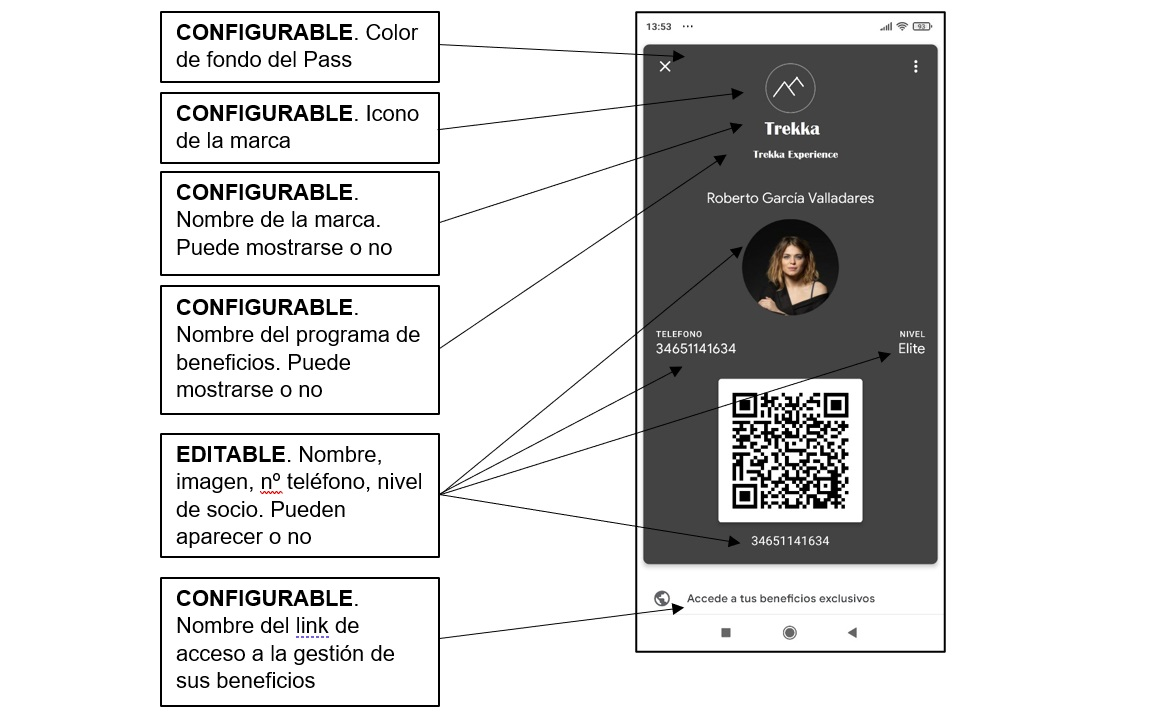
This configuration also determines how the Mobile Pass is displayed within Google Pay or Apple Pay Wallet. Specifically, it defines the background color of the Mobile Pass, the logo, the brand name, and the program name.
Updated 11 months ago